
Project Blue API, Webhooks & MCP
This page is your jumping-off point for working with Project Blue programmatically. Whether you're connected through a CRM integration or running on API only, everything you need lives in the links below.
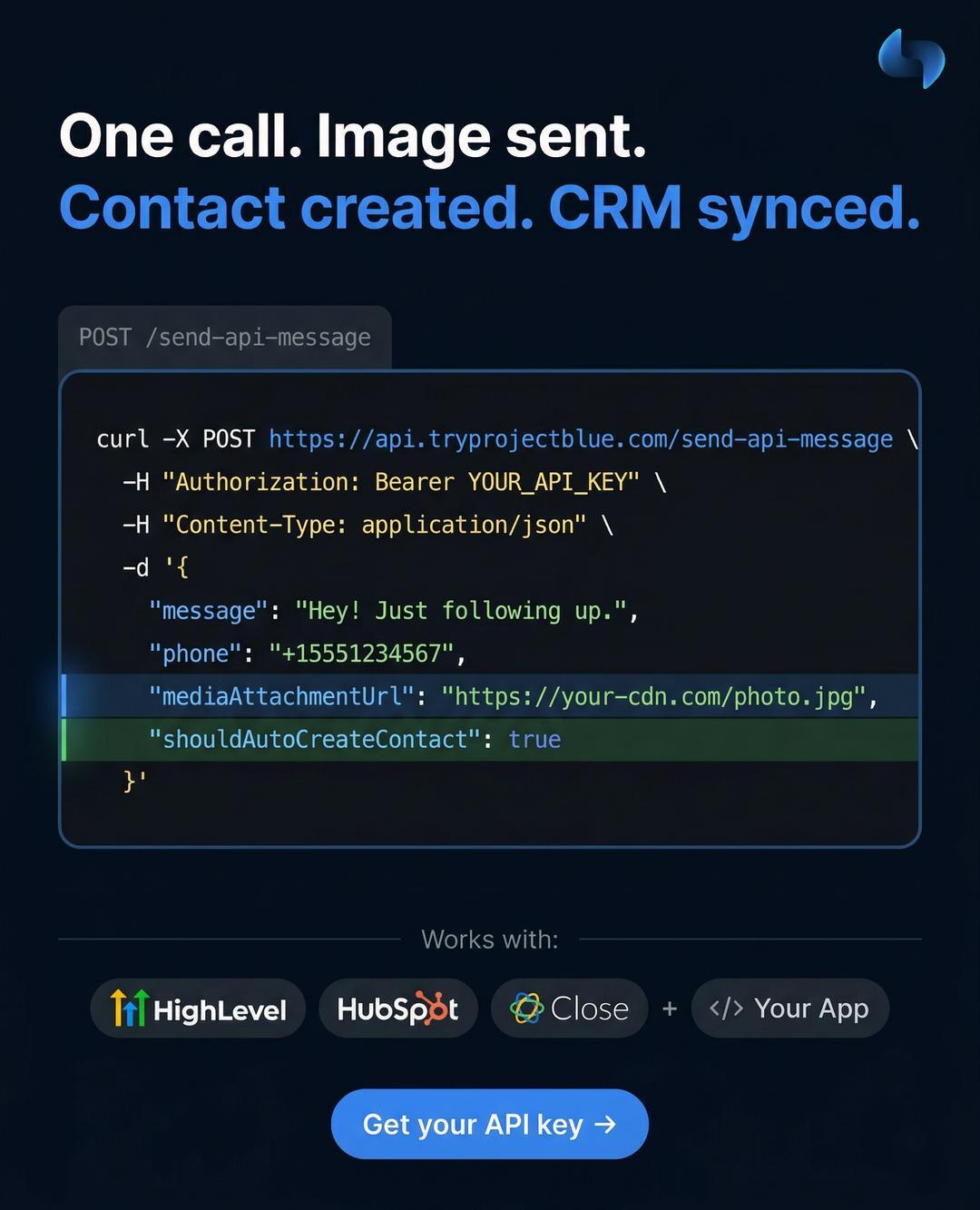
API Documentation
Our full API reference is available at api.tryprojectblue.com. Head there for endpoints, request/response shapes, and examples.
Generating an API Key
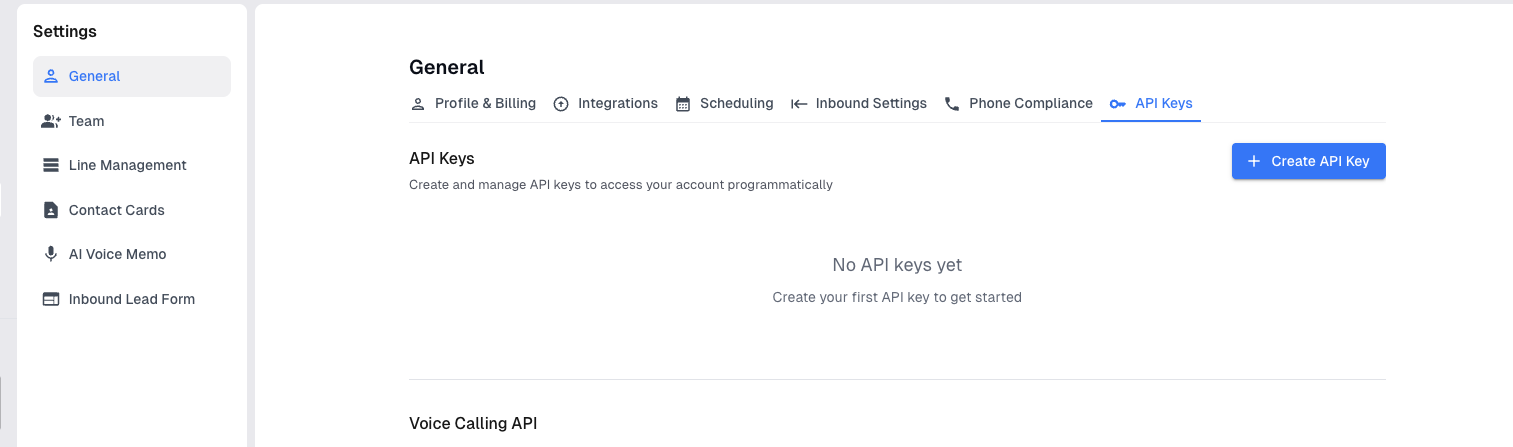
If you're connected with a CRM integration, you can interact with our API as well. To generate an API key:
Open your Project Blue portal
Go to Settings › General › API Keys
Generate a new key'
Webhooks
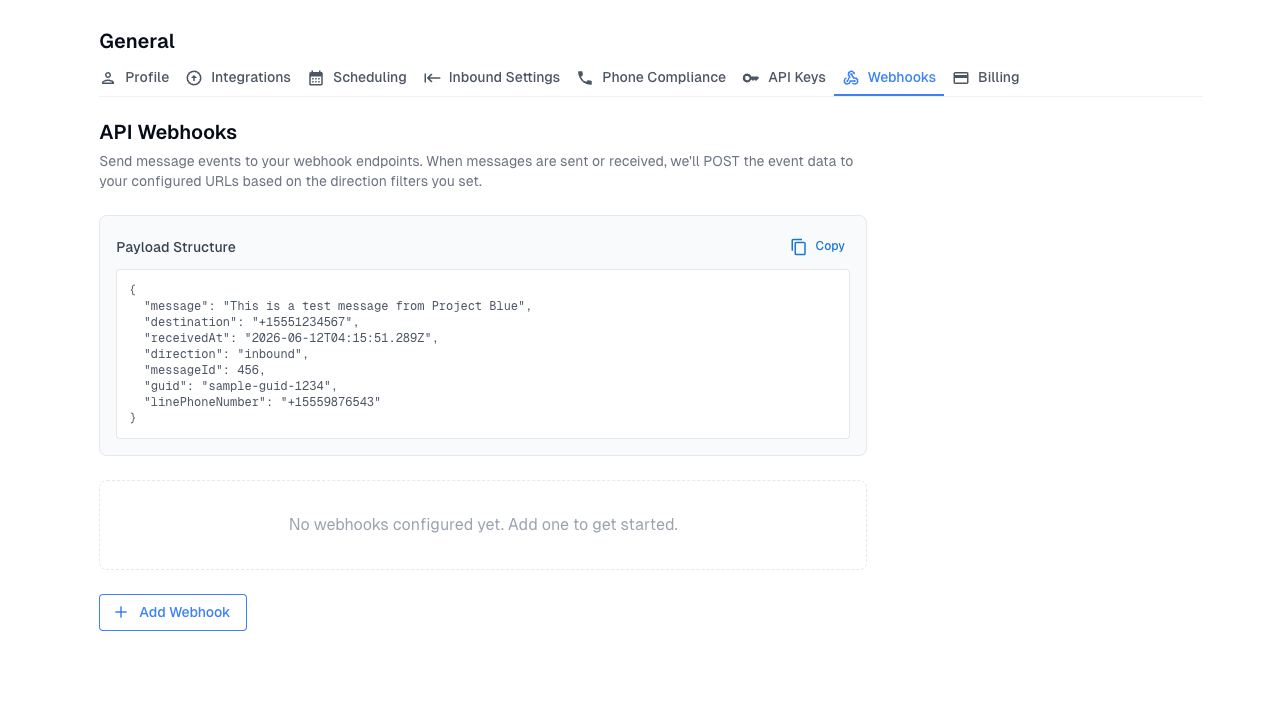
Webhooks are now available to all Project Blue users, regardless of your integration type. If you want to receive real-time notifications for outbound or inbound events, you can set up a webhook directly in your Project Blue portal under Settings › General › Webhooks. Project Blue will POST event data to your configured URLs based on the direction filters you set.
Project Blue MCP
We also publish the Project Blue MCP, which lets you interact with our system end-to-end through MCP-compatible clients like Claude Code, Cursor, and others. You can find connection details in the API docs.
If you have questions or run into anything unexpected, reach out to support and we'll help you get connected.