Set Default Provider (Optional)
SEE IMPORTANT INFO BELOW:
If you're currently using default lead connector (LC) SMS System,
Setting your default provider to Project Blue can get your line disabled due to the messaging volume being switched over from the default A2P line to Project Blue iMessage.
Please be aware before switching systems.
You must be logged in as the Account or Agency Admin to adjust the provider, otherwise you won't see the option to switch
What does setting the Default provider do?
Setting the default provider will make all SMS messages come through our system, meaning anywhere you're currently using the "SMS" workflow action or the "SMS" option Conversation Provider, will be injected through our system.
Why would you need that?
Setting the default provider is a great use-case for people using our integration as their full provider and not relying on their traditional A2P message lines. Please be aware that switching this can cause some unintended consequences (see Alert message above)
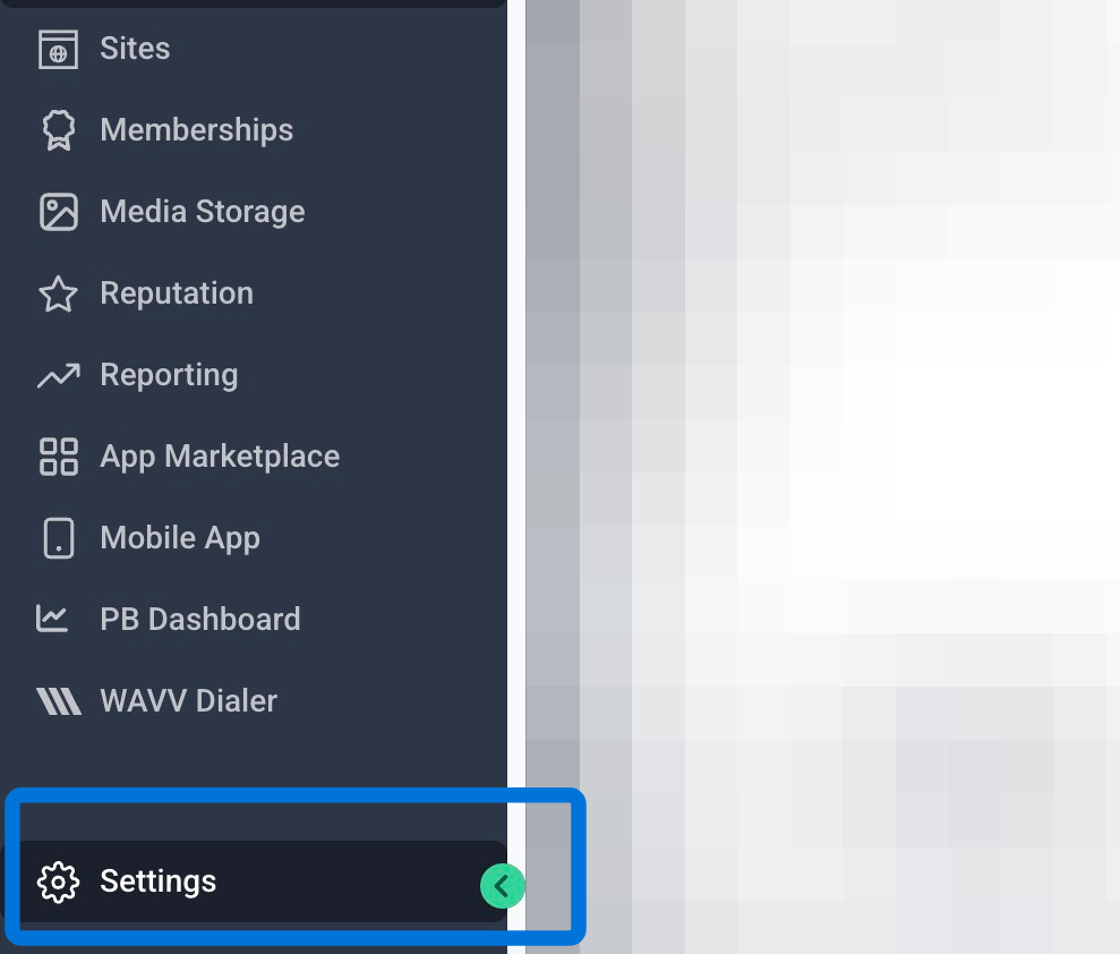
1. Navigate to your desired Sub-account and click into "Settings"
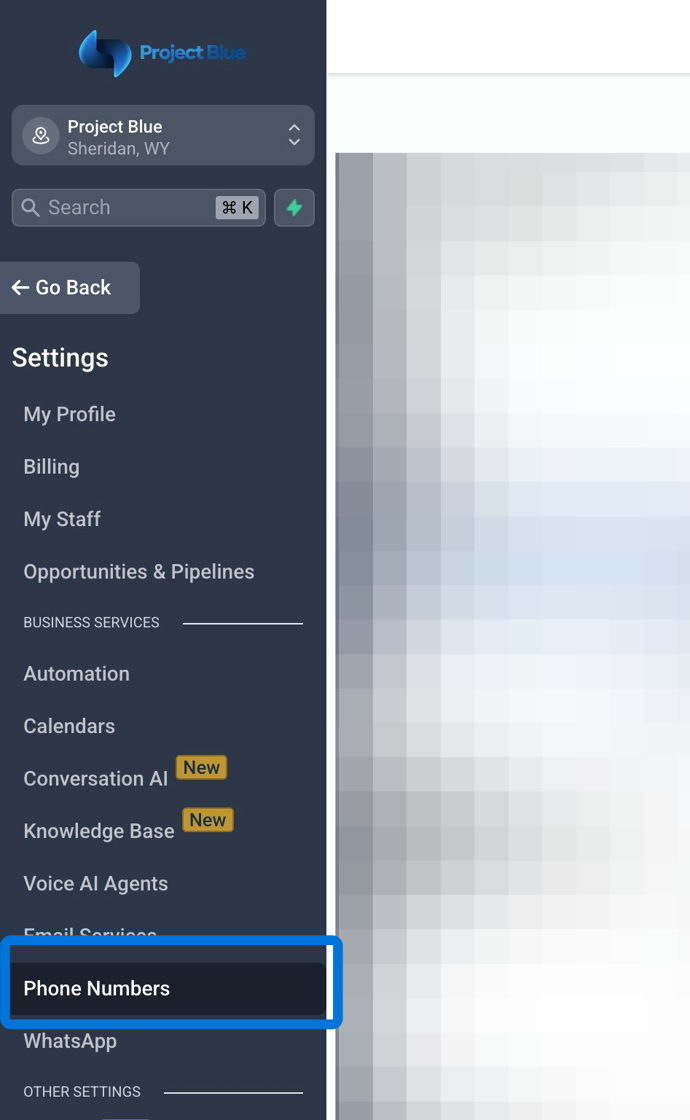
2. Click into "Phone Numbers"
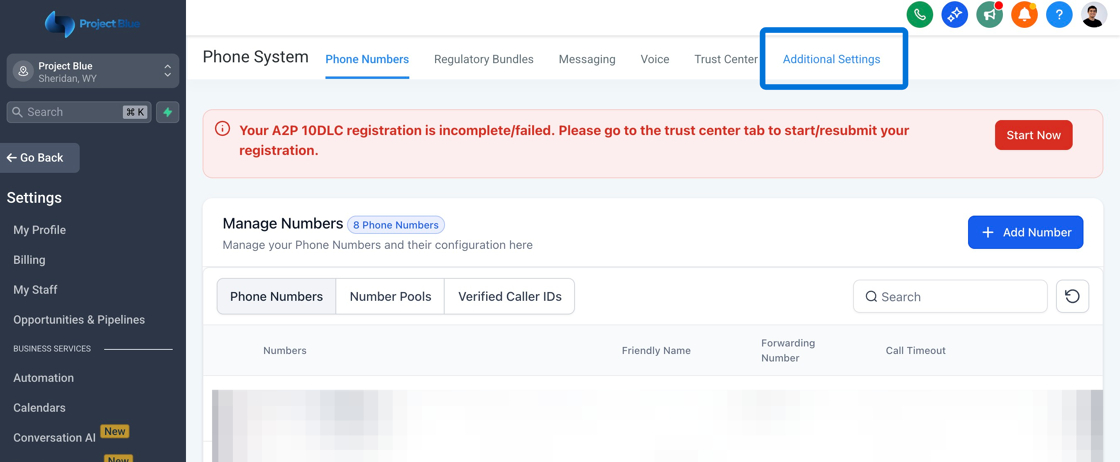
3. Click into "Additional Settings"
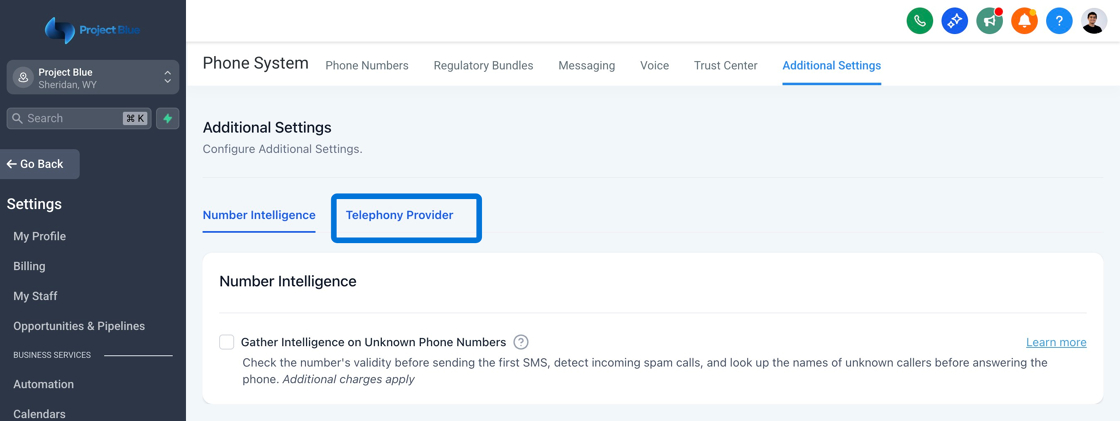
4. Click "Telephony Provider"